Automatic LAN discovery
Both apps look for devices on the same network, so you do not need to type an IP address or configure connection details.
CipherTransLocal lets Windows and Android send text, images, and files to each other over the same Wi-Fi or local network. No account, no cloud upload first, and no need to relay private files through chat apps.
This is not cloud storage or a complex sync system. It puts everyday cross-device transfers on the shortest path: screenshots, documents, APKs, archives, and quick text.
Both apps look for devices on the same network, so you do not need to type an IP address or configure connection details.
Quick notes, screenshots, photos, APKs, and archives stay in one conversation, so finished transfers remain easy to find.
Large transfers show speed, progress, and state, so you know whether a file is waiting, active, paused, or failed.
Cancel the wrong file, retry on unstable networks, and keep transfer controls out in the open.
Foreground service and Wi-Fi keep-alive behavior reduce interruptions when Android moves to the background.
Deleting devices and clearing history ask for confirmation, reducing accidental loss of useful records.
The Android app organizes devices, history, and settings in a phone-friendly structure, while the desktop app handles reliable sending, receiving, background running, and history management.
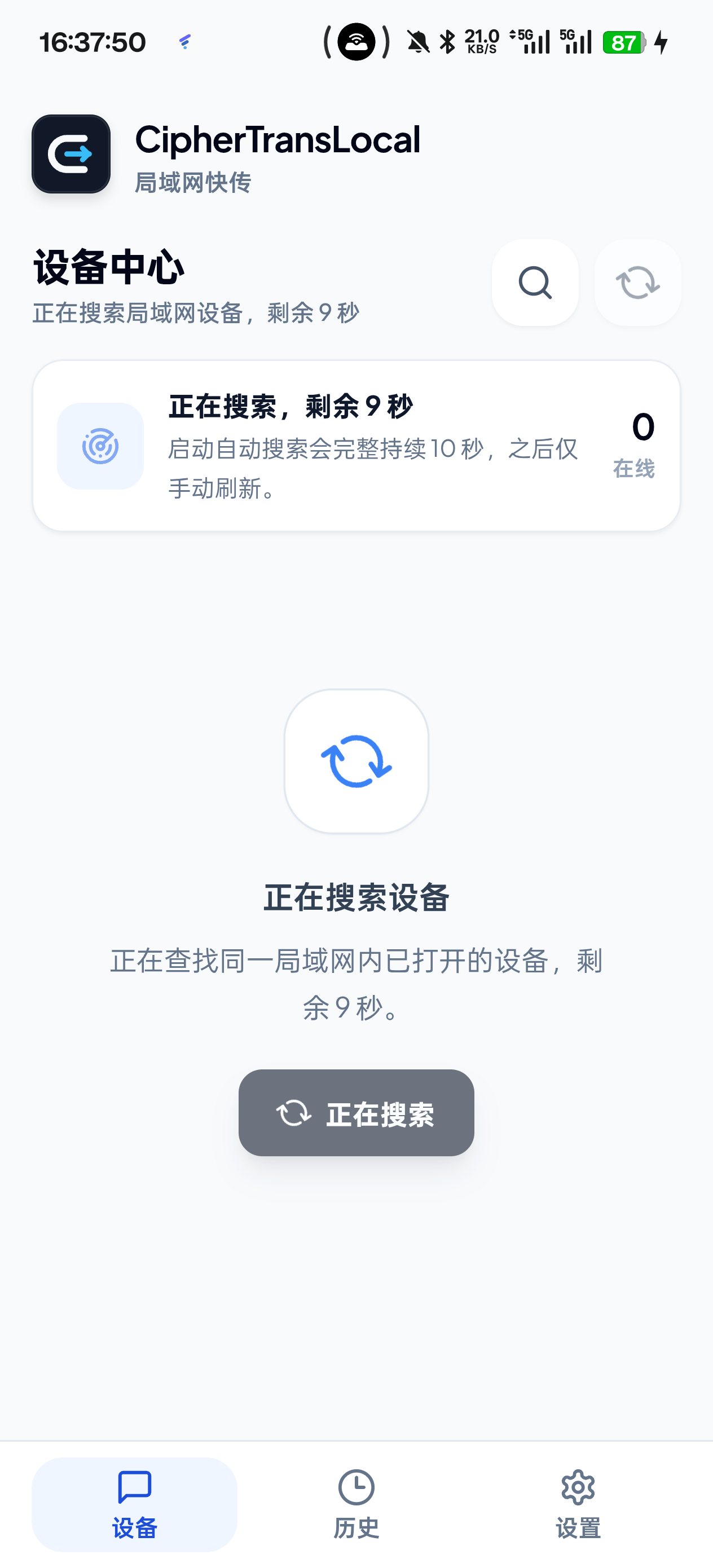
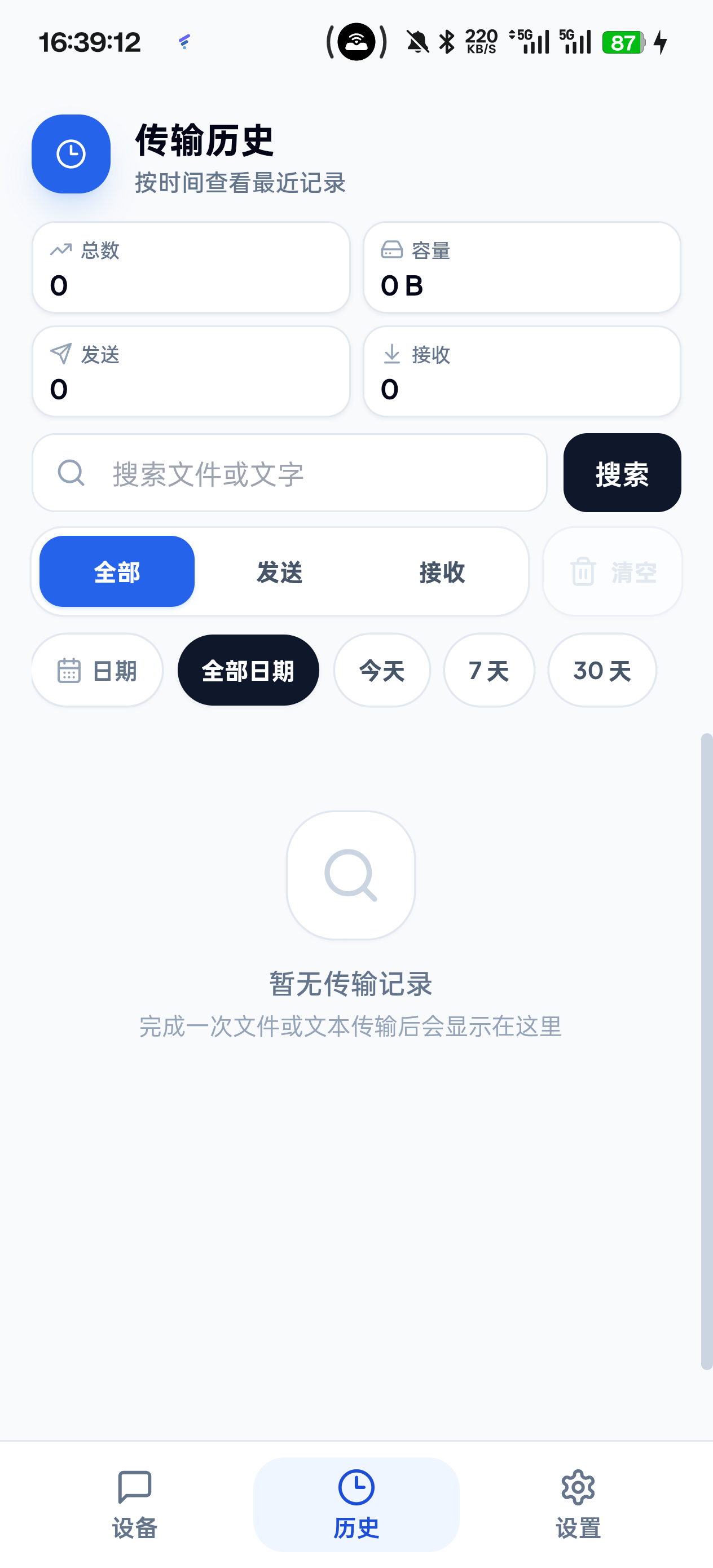
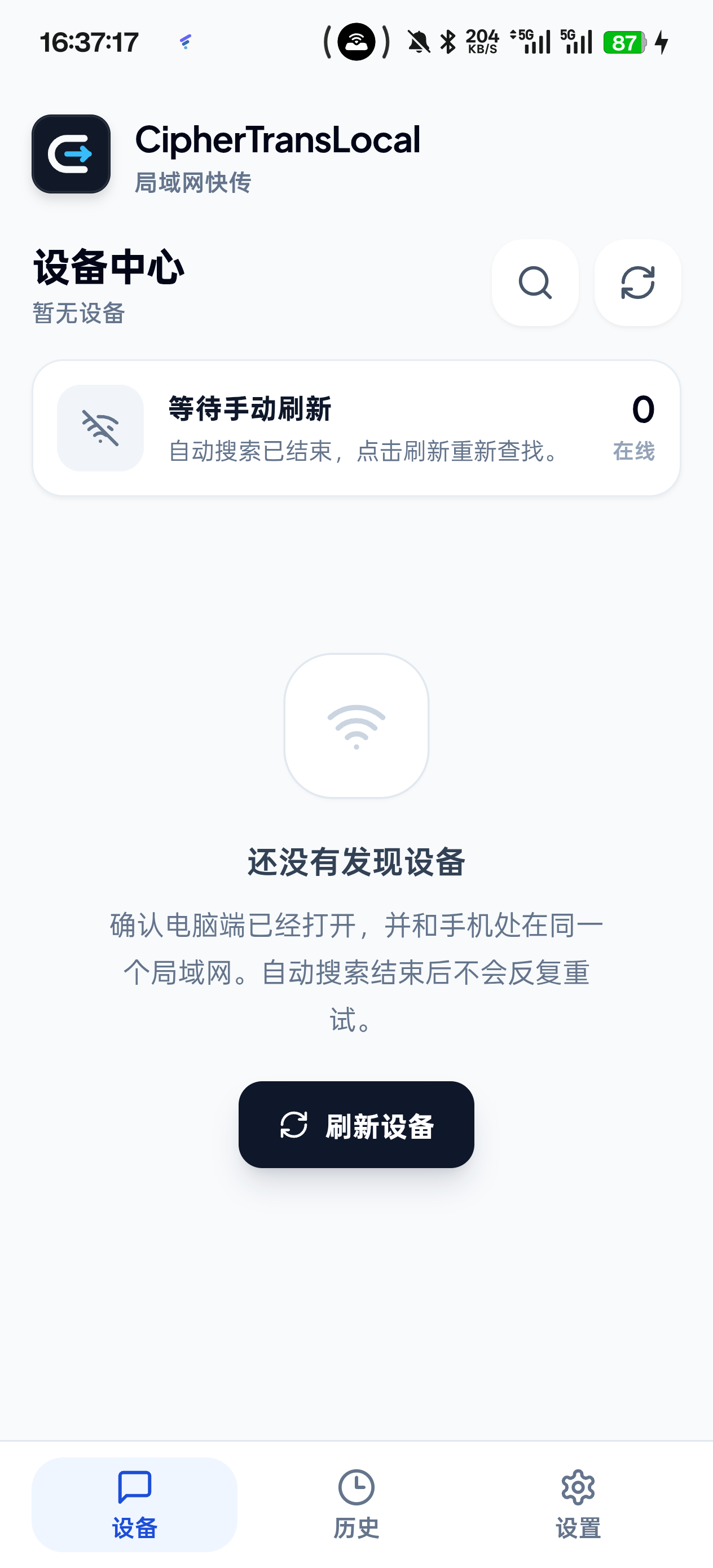
Shows discovered Windows and Android devices, with clear online state and refresh action.
Text and file records are kept by time, which makes recent transfers easy to recover.
When no device is found, the app points to network, Wi-Fi, firewall, and other likely causes.
The interaction feels close to everyday chat: choose a device, then send a message or file. No IP memorization, no account signup, and no need to send files through another app first.
Connect your computer and phone to the same Wi-Fi, or another local network where they can reach each other.
The Windows desktop app and Android app broadcast and discover each other.
Send text, images, or files. Progress and results stay inside the conversation for that device.
CipherTransLocal is built for Windows and Android LAN transfer: local discovery, local sending, and traceable transfer history.
No. Connect both devices to the same Wi-Fi or local network, open the apps, then search for and choose a device.
No. Transfers happen between devices on the same local network, without first handing files to a third-party drive.
It supports text, images, APKs, archives, documents, and other common files, with device-specific conversation history.
The Android app uses foreground service and Wi-Fi keep-alive behavior to reduce interruptions. Actual stability still depends on system battery policy and network quality.
Download the installer for Windows. On Android, download the APK and follow system prompts. All files are published on GitHub Releases.
Best for sending and receiving files from your computer, running in the tray, and managing transfer history.
Download for WindowsBest for sending photos from your phone, receiving desktop files, choosing download folders, and saving to gallery.
Download Android APKThe repository includes the desktop app, Android app, development docs, and installers. If the tool is useful, you can star the project and follow future versions there.